Kodara

02 / MY WORK

From idea to
my own product.

Cronics is my smart home development project. My work includes the website, application, Smart Hub firmware and enclosure development.

WEB / CRONICS.EU

The Cronics project website

I built a presentation website for my smart home project. The homepage introduces Cronics and connects visitors to the product overview and application.

  • Presentation of the project and product family
  • Visual homepage with day and night views
  • Direct access to the Cronics application
Visit cronics.eu
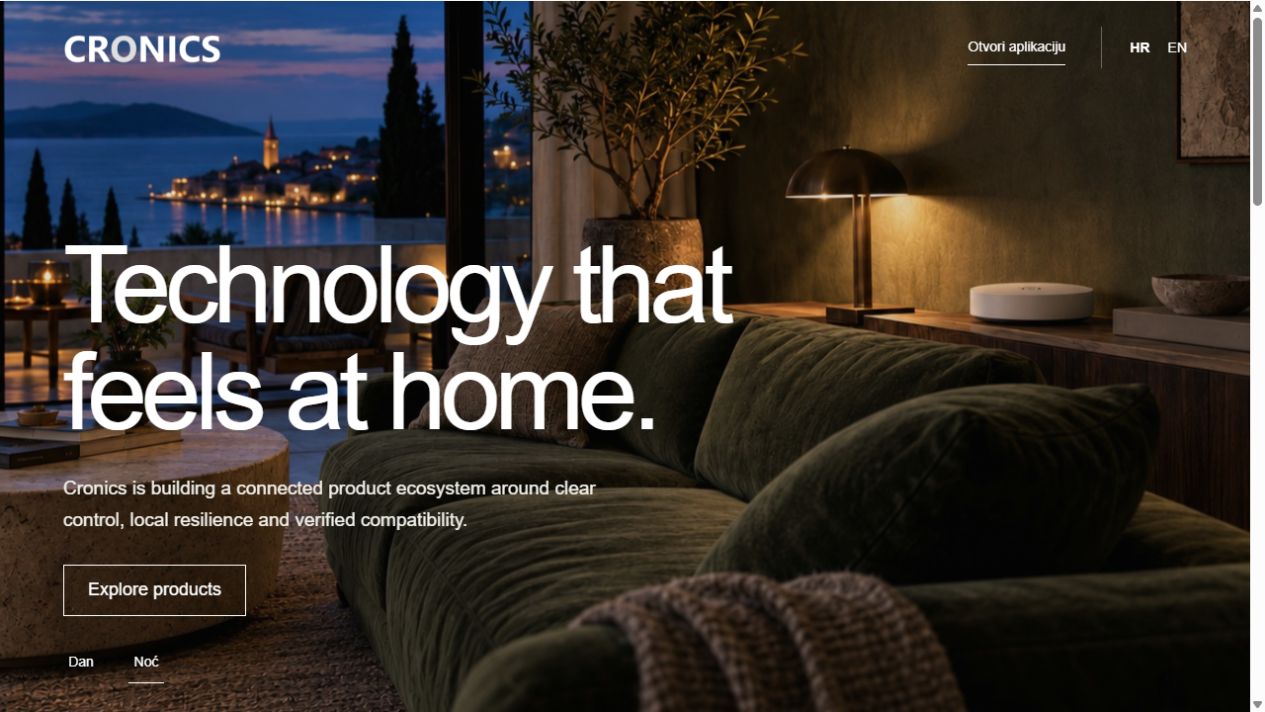
Cronics website homepage showing a smart home in evening light
Actual screenshot of the cronics.eu homepage. Click the image for a larger view.
APP / CRONICS

Smart home application

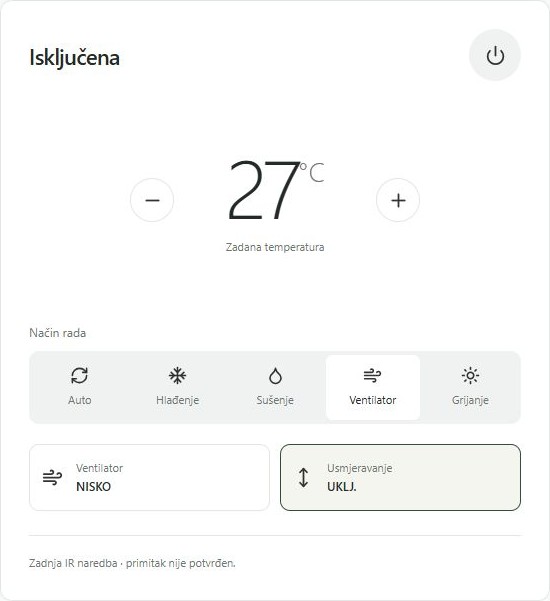
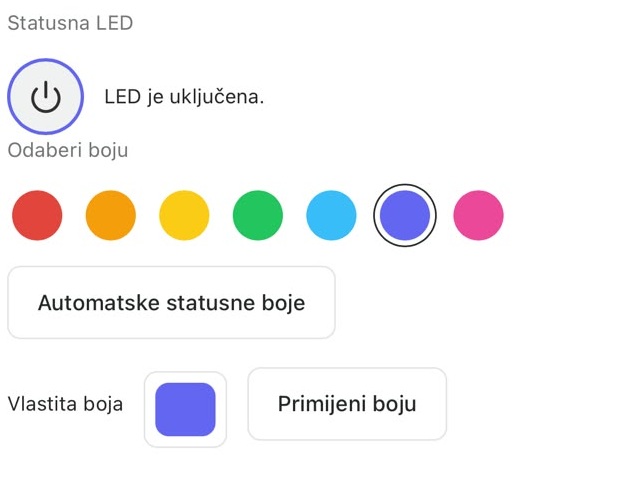
An interface for viewing devices and controlling compatible equipment. These examples show air conditioning control and device LED settings.

  • Overview of rooms and connected devices
  • Temperature, operating mode and air conditioning settings
  • Status LED and lighting colour selection
Open the Cronics application

Actual application screenshots; use requires the appropriate access and device.

Cronics application: air conditioning temperature and operating mode
Air conditioning control
Cronics application: status LED settings and colour selection
Device LED lighting
FIRMWARE / CRONICS SMART HUB

Microcontroller programming and firmware development

I develop software for microcontrollers and smart devices — for sensor control, communication and integration with applications. One example is the Cronics Smart Hub firmware on the ESP32-C6 microcontroller, controlling compatible equipment through infrared commands.

  • Sending and learning IR commands
  • Air conditioning control profiles
  • Local control and MQTT communication
  • Over-the-air firmware updates

Project in development. Support depends on the specific device and profile.

View the Cronics project
DEVICE / CRONICS SMART HUB

From circuit board to assembled device

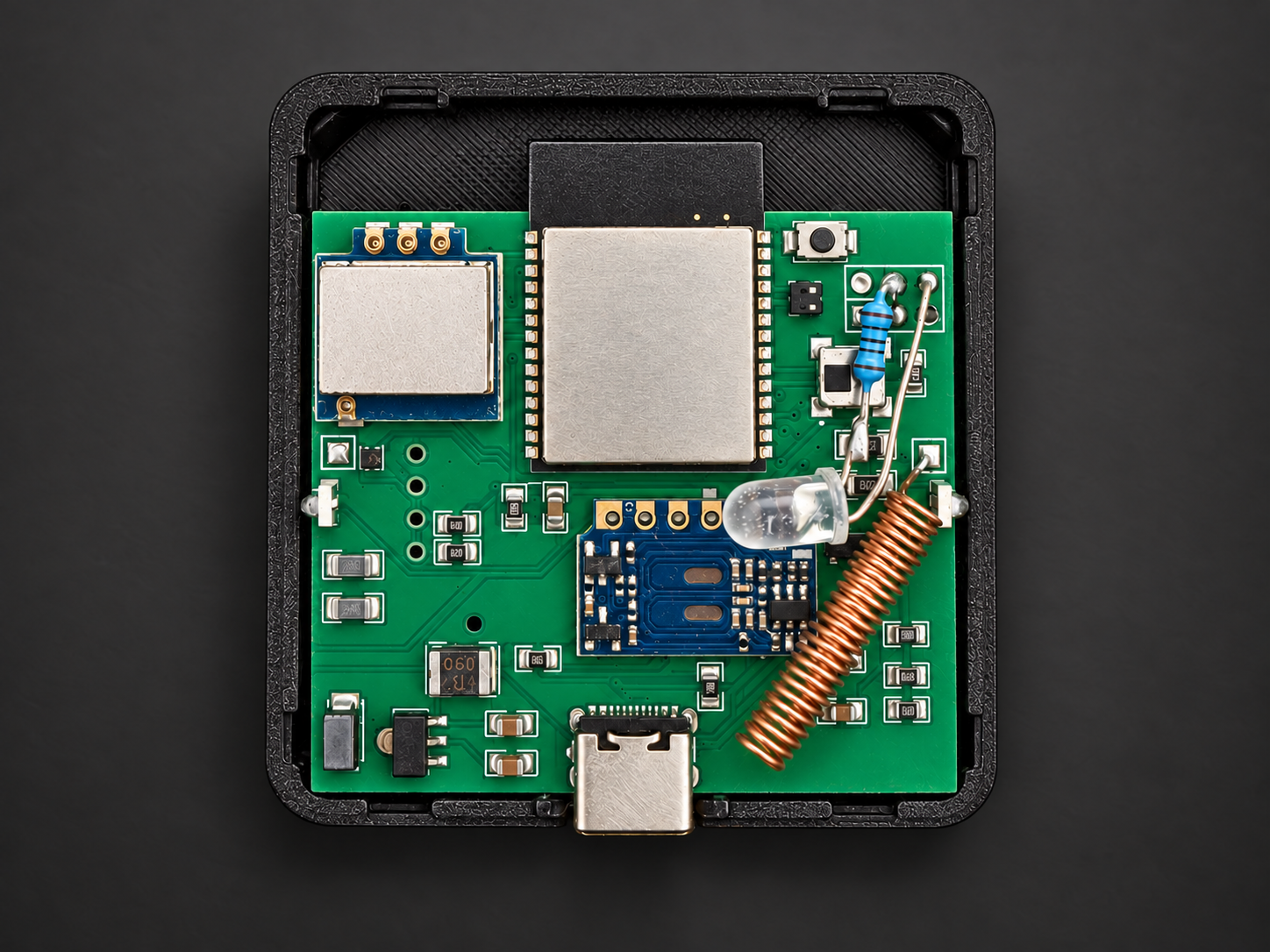
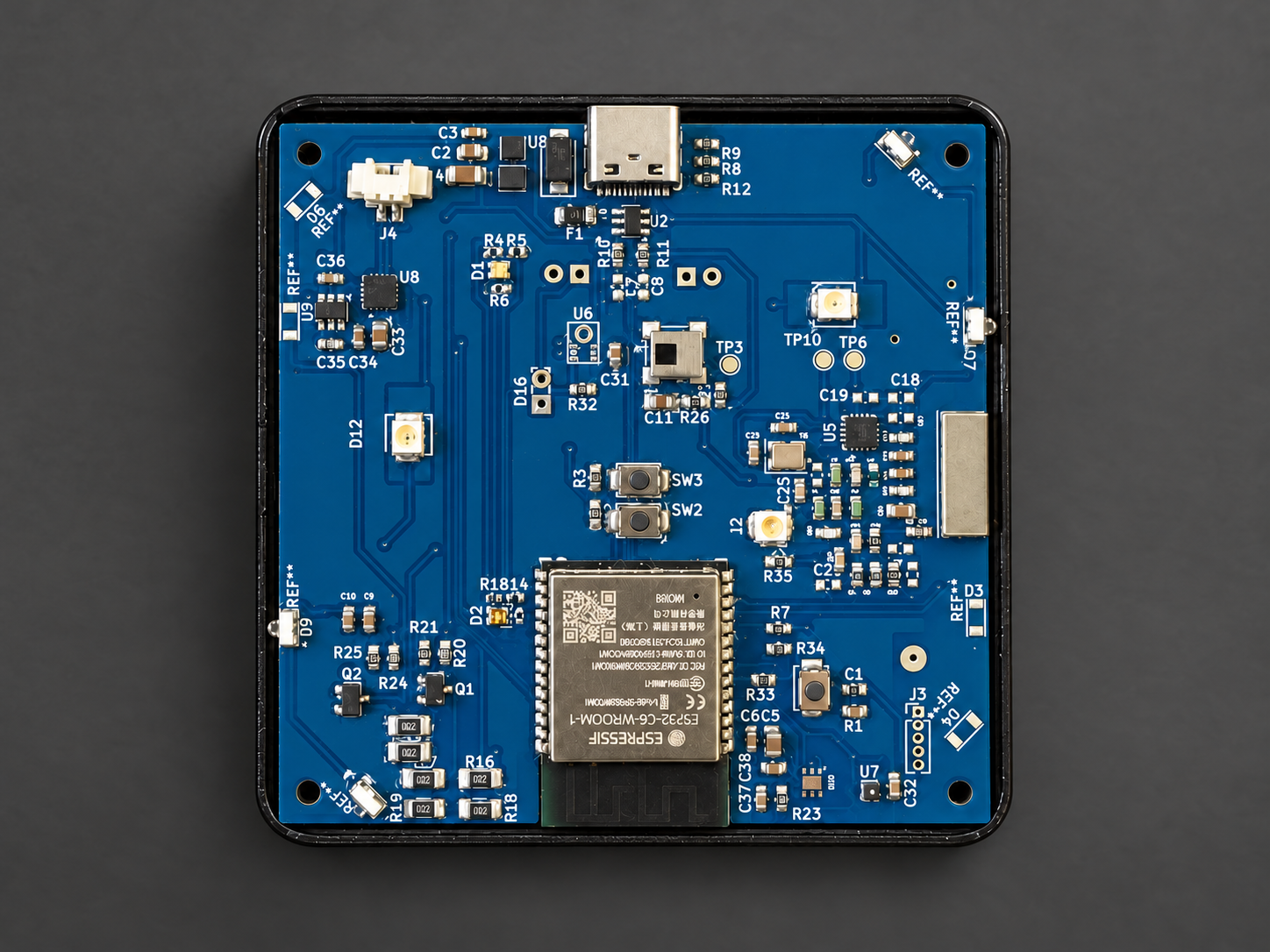
The Smart Hub connects the application to compatible equipment through infrared commands. The standard model uses a green board with separate modules, while Pro uses an integrated blue board.

Development covers electronics, firmware and a custom enclosure. Choose a view to see individual parts, compare models or view the illuminated device.

Explore the device
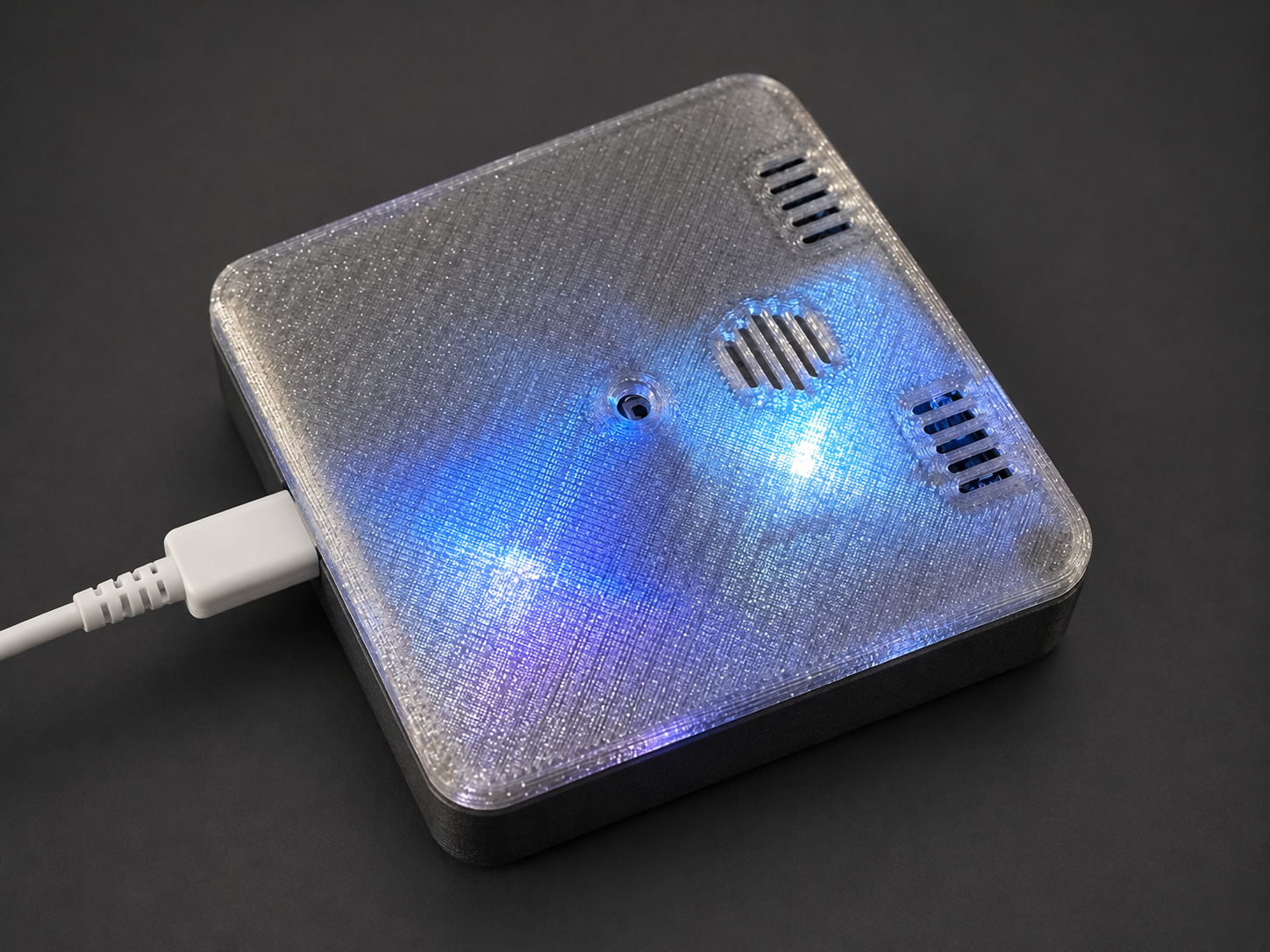
Assembled Cronics Smart Hub with blue and violet LED light through the translucent enclosure
Assembled prototype — LED light through the enclosure cover.
Standard Cronics Smart Hub: green board with separate modules in a black base
Cronics Smart HubStandard · green board with separate modules
Cronics Smart Hub Pro: integrated blue board in a black base
Cronics Smart Hub ProPro · integrated blue board
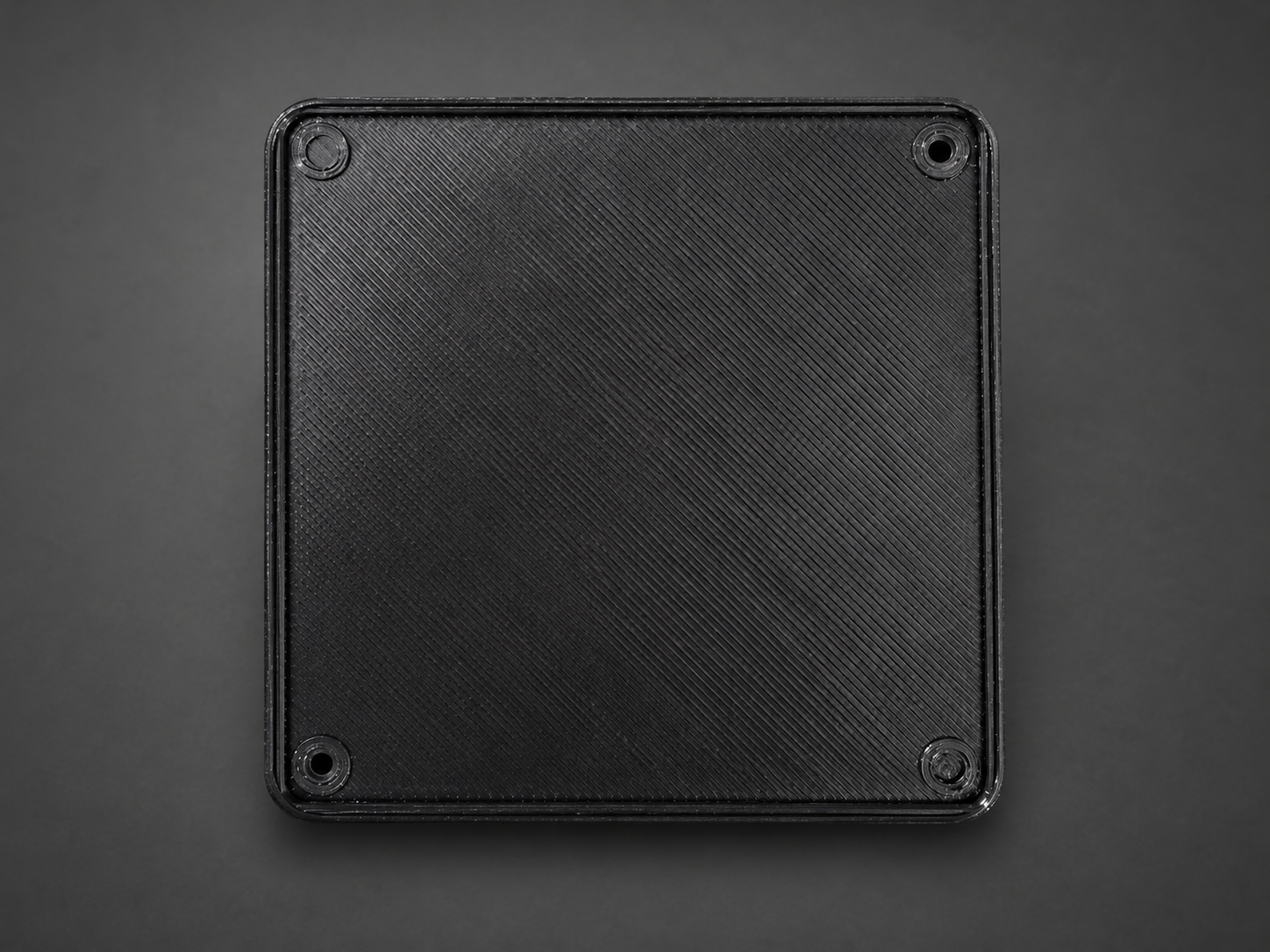
Black Cronics Smart Hub enclosure base with mounting holes, underside view
Enclosure base — underside view and mounting holes.
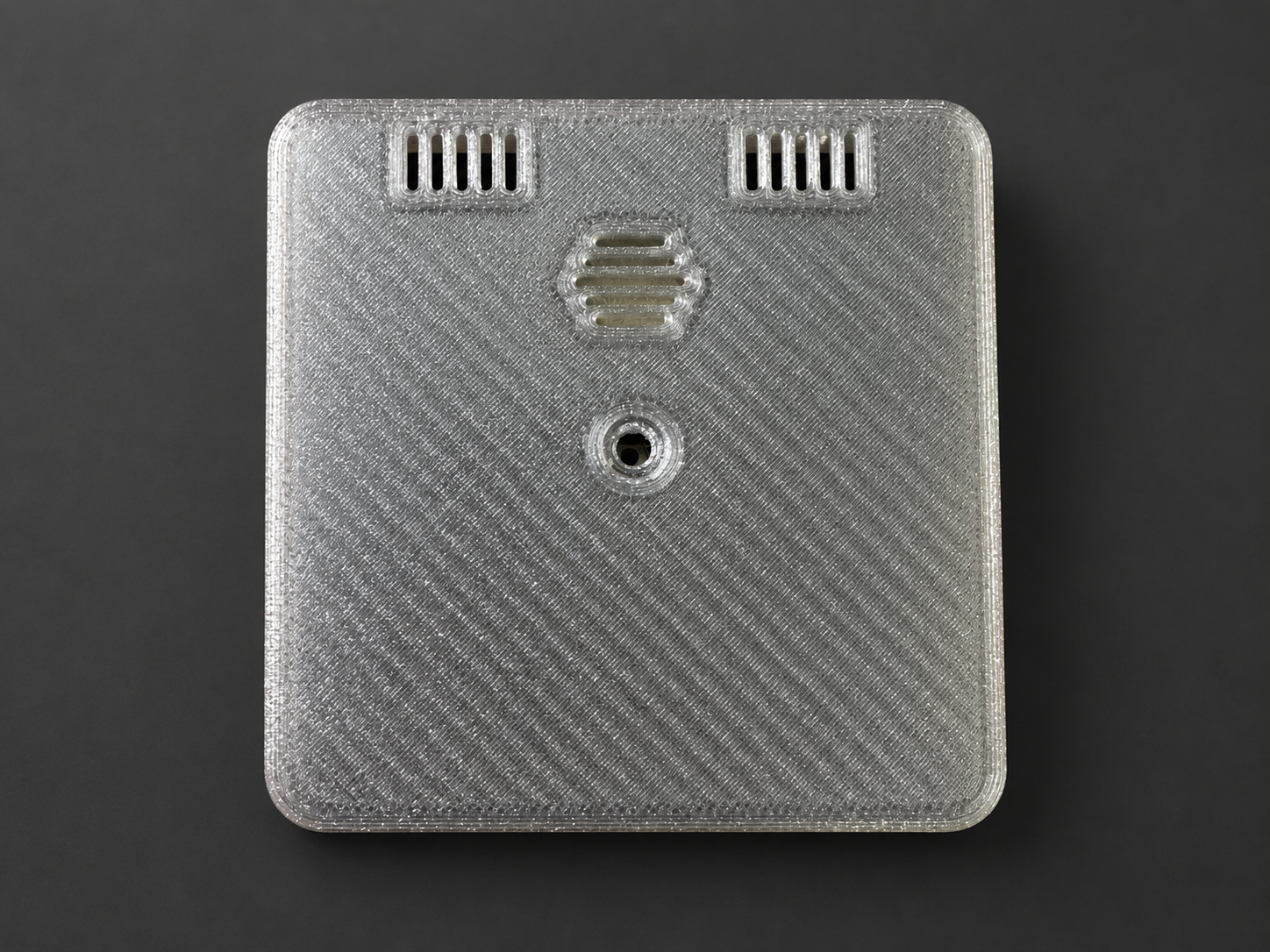
Translucent Cronics Smart Hub cover with openings and visible 3D-print texture
Top cover — translucent material and 3D-print texture.
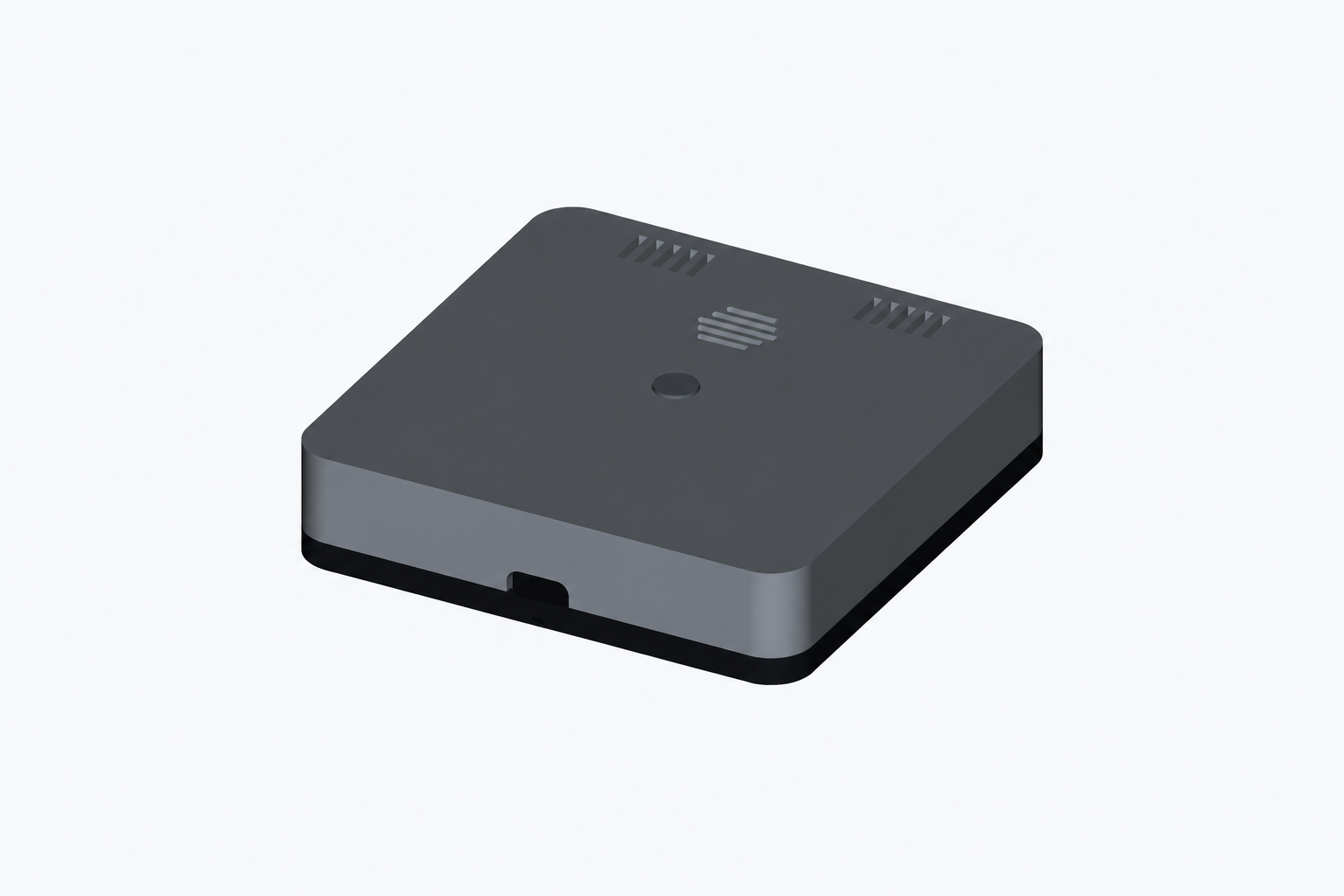
Development CAD view of the Cronics Smart Hub enclosure
CAD view — enclosure design during development.
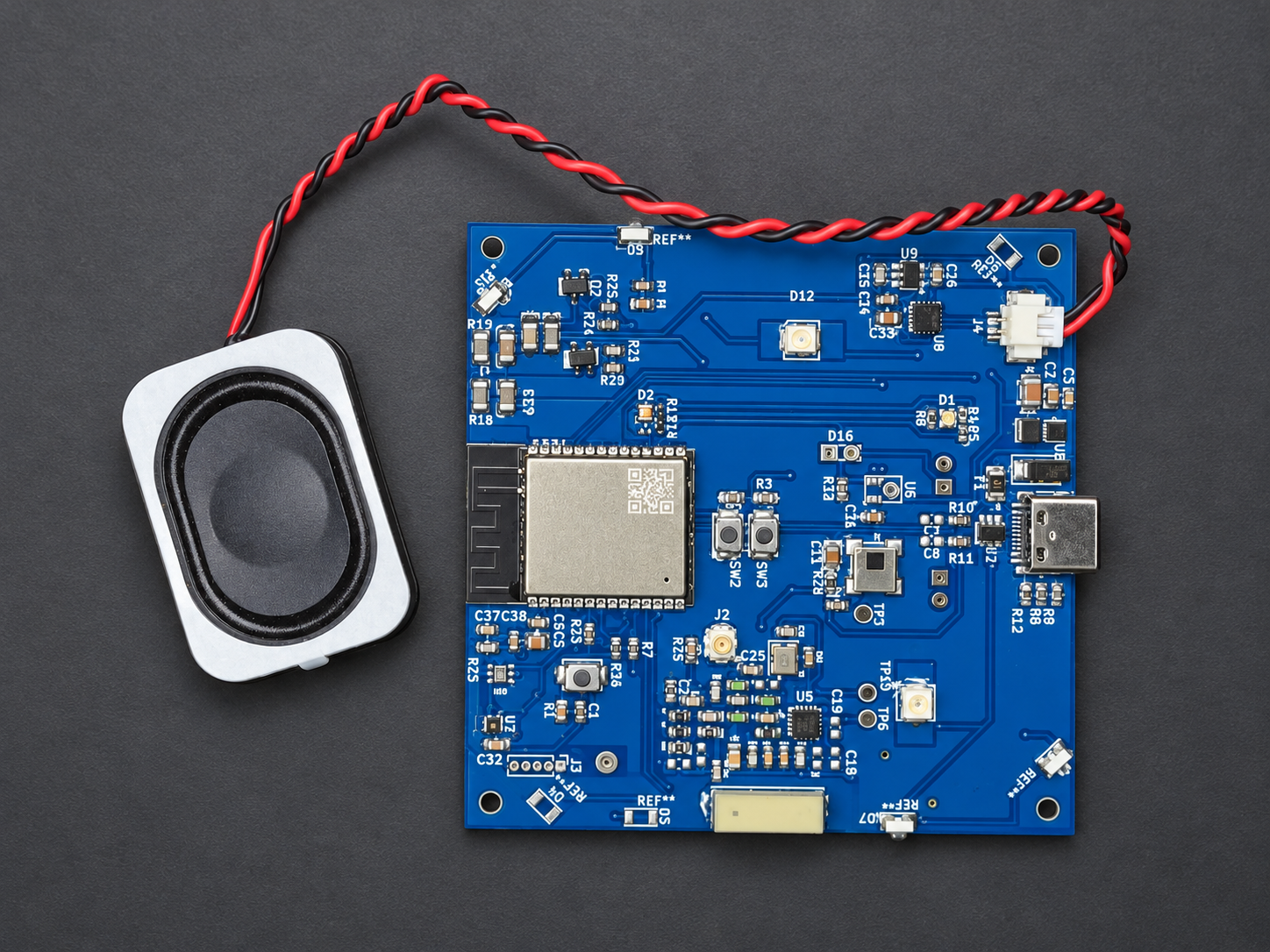
Cronics Smart Hub Pro prototype, blue board connected to a speaker
Pro board with speakerElectronics and connected speaker outside the enclosure.
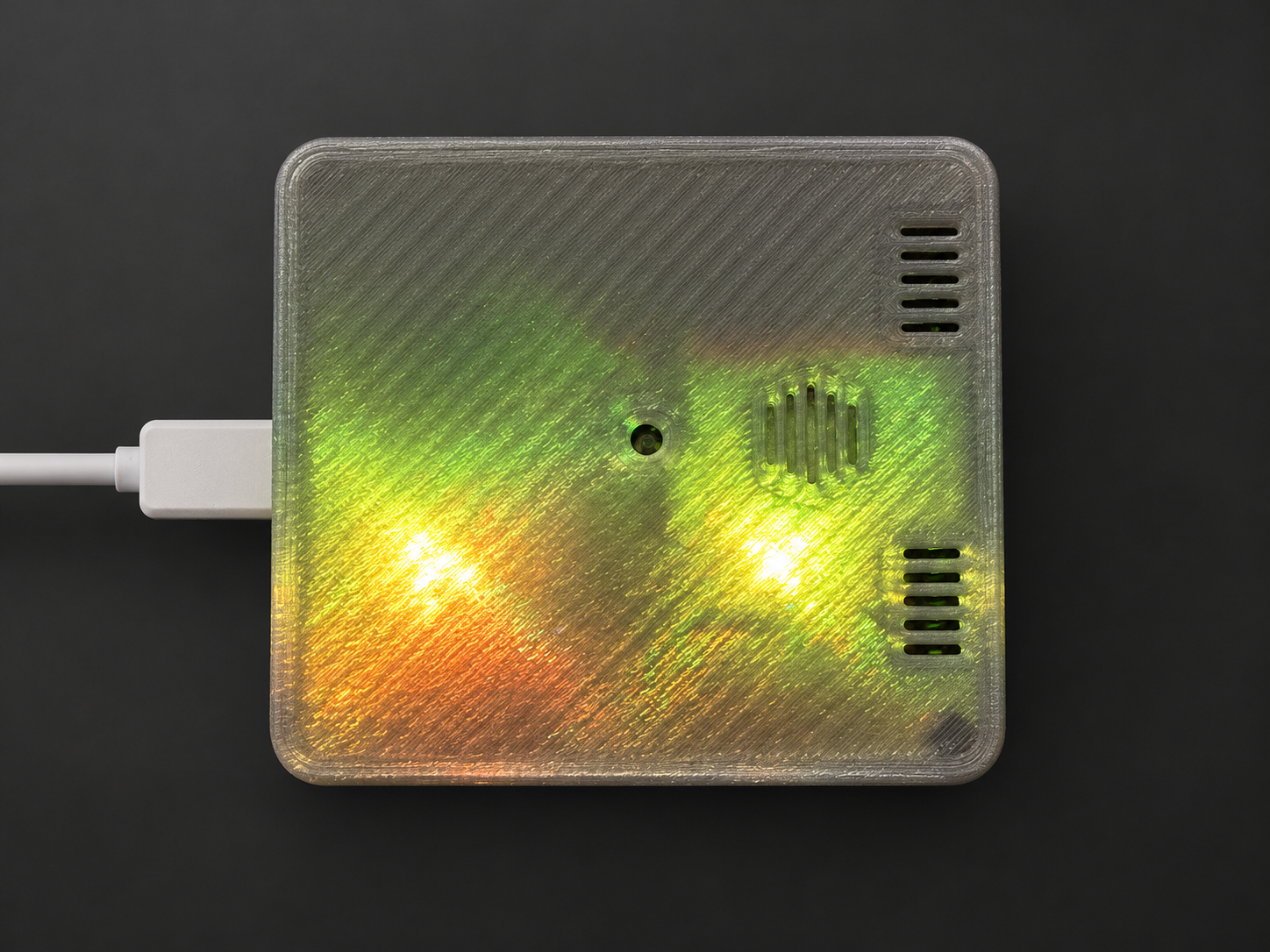
Assembled Cronics Smart Hub with green, yellow and warm LED lighting
Another lighting viewGreen and yellow light through the translucent cover.

Retouched photos of actual prototypes: glue and flux residue removed, background and lighting refined. Click an image for a larger view.

Have a similar project?

We can start with a device, an application or connecting an existing system.

Send an inquiry